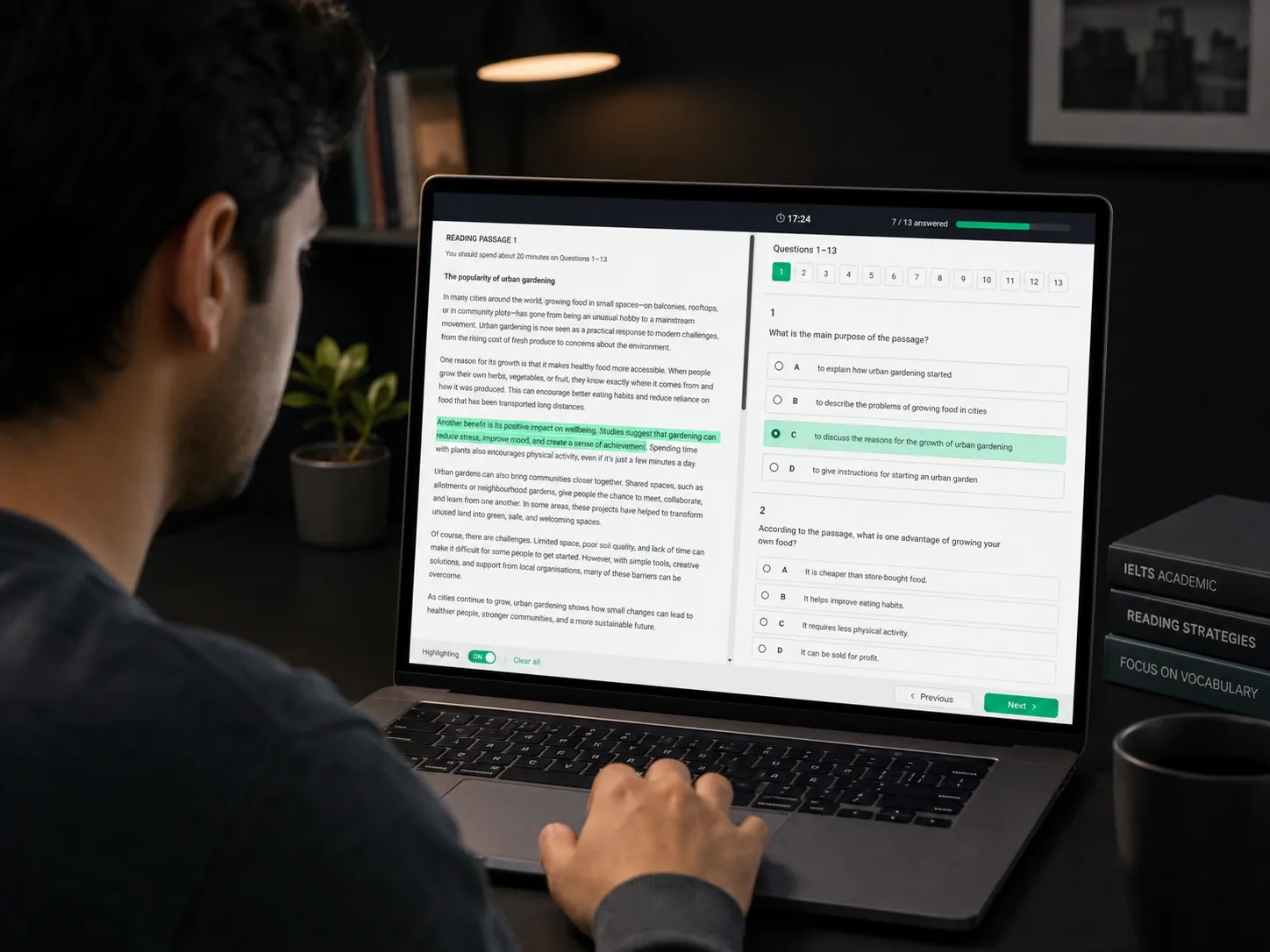
Reading / test screen
01 // Reading
Passage + question split view
Highlight evidence on the left and answer numbered questions on the right.

Choose your IELTS track, skill, and practice focus first. Then carry that choice into a secure learner portal that assigns an approved unseen exam.
01
Choose a format
02
Create your account
03
Start in the portal
Pick the part of IELTS you actually want to train.
Questions, answers, timers, and results stay behind authentication.
The portal matches your choice to an approved unseen exam.
01 // Configure your mock test
Choose the track, skill, and focus you want to practise. When you press start, your selected route carries into the learner portal and opens the matching unseen mock-test session.
Mock test step 1
Mock test step 2
Mock test step 3
02 // See the interface
These are visual previews of the protected mock-test workspace you enter after Google sign-in—not a second route selector.
01 // Reading
Highlight evidence on the left and answer numbered questions on the right.
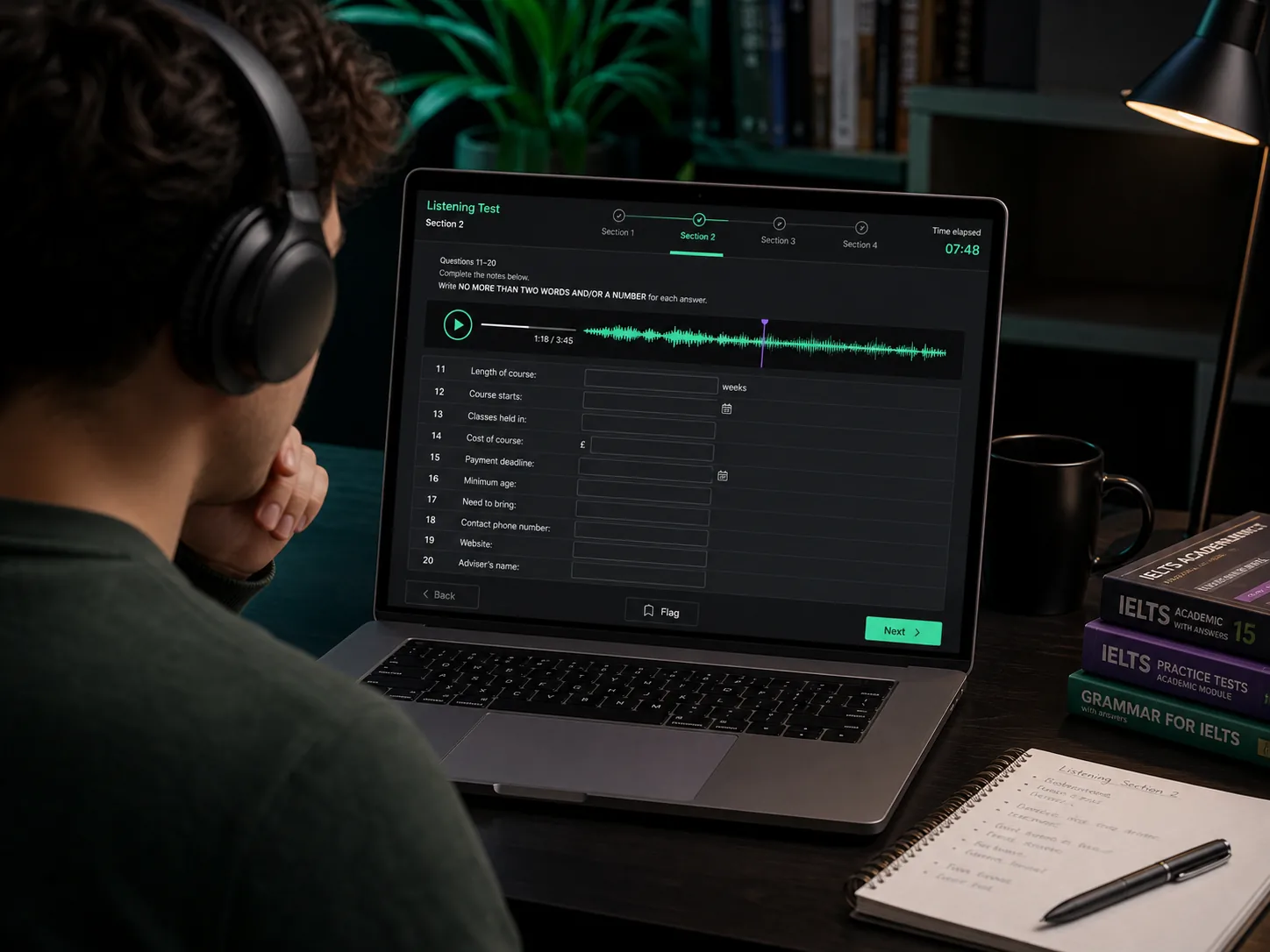
02 // Listening
Follow the waveform, section timer, and answer fields in one timed screen.

03 // Writing
Read the task, study the visual prompt, and write against the countdown.
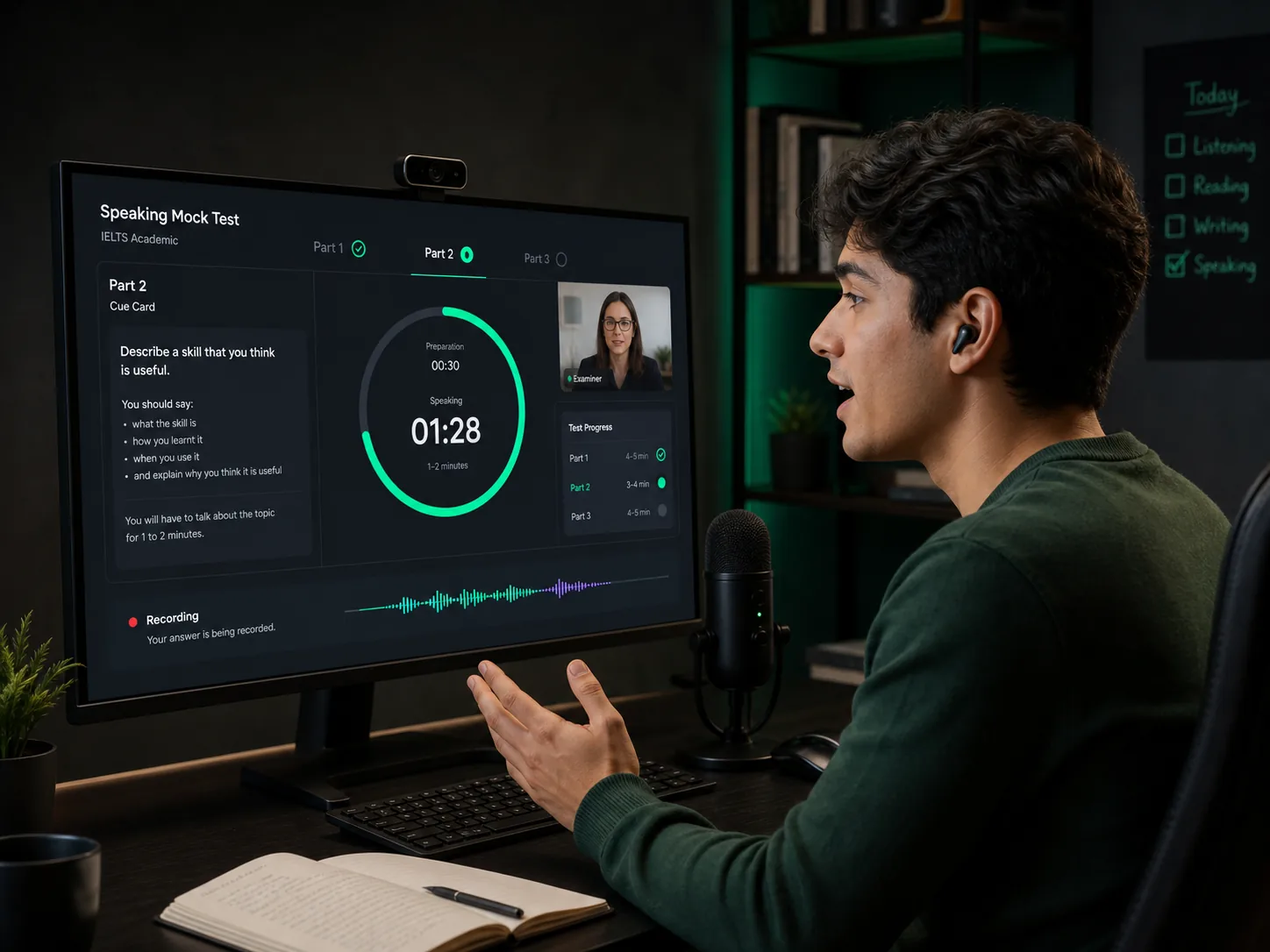
04 // Speaking
Speak to the cue card while the examiner window and recording timer stay visible.
03 // Pick the right paper
The right track depends on what your test is for. Listening and Speaking share the same structure; Reading and Writing Task 1 are where the routes meaningfully diverge.
Not sure? Choose the track your school, employer, immigration adviser, or test booking specifies.
04 // The handoff
We keep discovery open so you can compare formats before committing. We keep delivery behind the account so attempts, feedback, and progress belong to you.
Compare tracks, skills, and focus options.
Use secure Google authentication to continue.
Complete the normal learner profile flow.
Enter the portal with your selected format ready.
05 // Questions before start
No. The browser selects a real format and focus. The portal assigns an approved unseen exam from the matching pool; it does not pretend to offer a paper that cannot be selected.
You choose the main format here. Reading and Listening question-type inventory is checked inside the portal, where it can be matched to available unseen exams safely.
Exam questions, timers, submissions, feedback, and progress are protected learner content. The account also lets the portal preserve your attempts and results.
Use Academic for university or professional registration goals. Use General Training for migration, work, or everyday English contexts unless your test provider tells you otherwise.
Ready when you are
Build your route above, create your free account, and continue into a protected practice session that remembers why you came.
Choose your IELTS mock testWant broader English practice first? Explore English Practice Labs.
Free IELTS Tools